


Hide all your files to avoid prying eyes
If you want to hide your files from prying eyes, try out Camouflage. A software application that, as well as protecting your files with a password, will hide them in the best possible way: camouflaging them.
Hide and protect your most valuable files
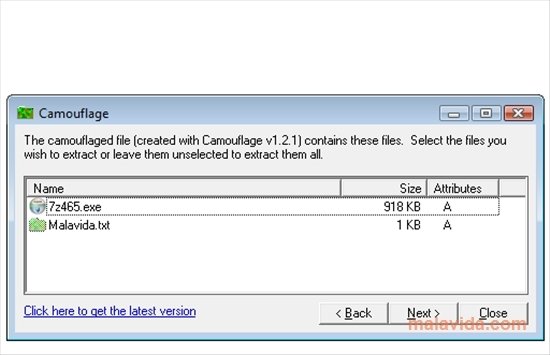
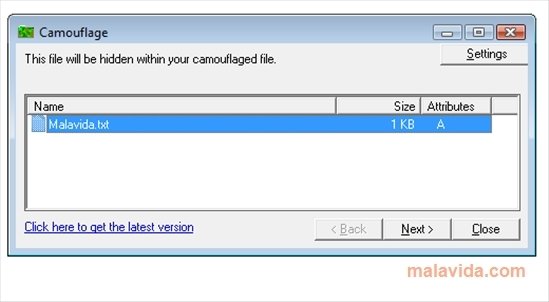
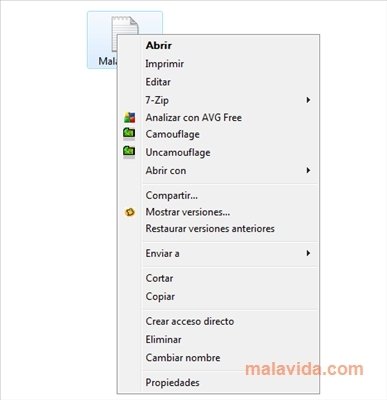
Once you install Camouflage, you'll have two new options in the Windows context menu, to camouflage or uncamouflage. If you want to hide a file, all you have to do is click on the camouflage option to start the assistant. This simple application allows you to choose the file that you want to camouflage and the file that it will seem to be, so that once the conversion is finished, the two files will look like only one and if we activate the "uncamouflage" option we will see a list with both of them.
Camouflaging a file can be really useful, because we'll only be able to have access to a hidden file if we have Camouflage installed and we know the password, because even though it may look like an AVI film or an MP3, the file can contain a DOC with all the family's bank passwords.
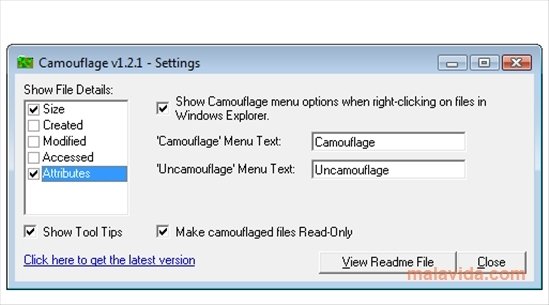
Camouflage also allows you to modify how some of the file's property fields behave, like the size, the last modified date or even the name the two Camouflage options will have in the context menu.
 Héctor Hernández
As a technology journalist with over 12 years of experience in the world of software and apps, I have had the opportunity to try all kinds of devices and operating systems over the years. I have done from software or mobile applications reviews...

Antony Peel